Category: app development

  • I Passed the CoWorker Certification — and I’m Never Going Back

    AI Productivity  ·  April 1, 2026

    Today I crossed a finish line most developers haven’t even found yet. Here’s what Claude’s CoWorker course taught me, why it matters more than any certification I’ve ever earned, and why you need to get on this now.


    Let me be direct with you: I have been building things with code for years. I’ve shipped products, led teams, burned the midnight oil on deadlines that didn’t care about my sleep schedule. But today — today — felt different. I passed Anthropic’s CoWorker course and certification, and I’m sitting here genuinely fired up in a way I haven’t been since I wrote my first working program.

    “This wasn’t just another certification to add to a résumé. This was a shift in how I understand what it means to work alongside AI.”

    1

    Course completed today

    100%

    Commitment level

    New possibilities unlocked

    What CoWorker actually teaches you

    Look, there are a thousand tutorials out there telling you to “just use AI to write code faster.” That’s fine. That’s table stakes. CoWorker is different because it treats Claude as a genuine collaborator — a desktop-level automation partner that can manage files, handle tasks, and work across your real tools while you focus on the high-leverage thinking only you can do.

    The course takes you through the actual mental model shift required to stop thinking of AI as a fancy autocomplete and start treating it as a co-pilot you can trust with real work. That reframe alone is worth more than any prompt-engineering hack I’ve ever read on the internet.

    Why I pushed through and passed the test

    The certification test is not a formality. It made me think. It challenged me to demonstrate that I actually understood the workflows, not just that I’d clicked through the slides. I’m proud of that. In a space crowded with “AI Certified” badges that mean absolutely nothing, this one required me to earn it.

    🏆

    CoWorker Certified — April 1, 2026

    Anthropic’s CoWorker course · Desktop AI automation & task management

    What comes next

    I’m not going to pretend I have all the answers. What I know is that the developers who invest in genuinely understanding how to work with AI — not just around it — are going to be operating at a completely different level in the next two years. I’ve taken my step. I’m documenting everything. The experiments start this week.

    If you’ve been sitting on the fence about diving deep into Claude’s ecosystem, this course is the on-ramp. Stop watching from the sidelines. Get in.


    Tagged: Claude  ·  CoWorker  ·  AI Productivity  ·  Anthropic  ·  Developer Tools  ·  Certification

  • Dashboard System with Quasar & Firebase

    Dashboard System with Quasar & Firebase

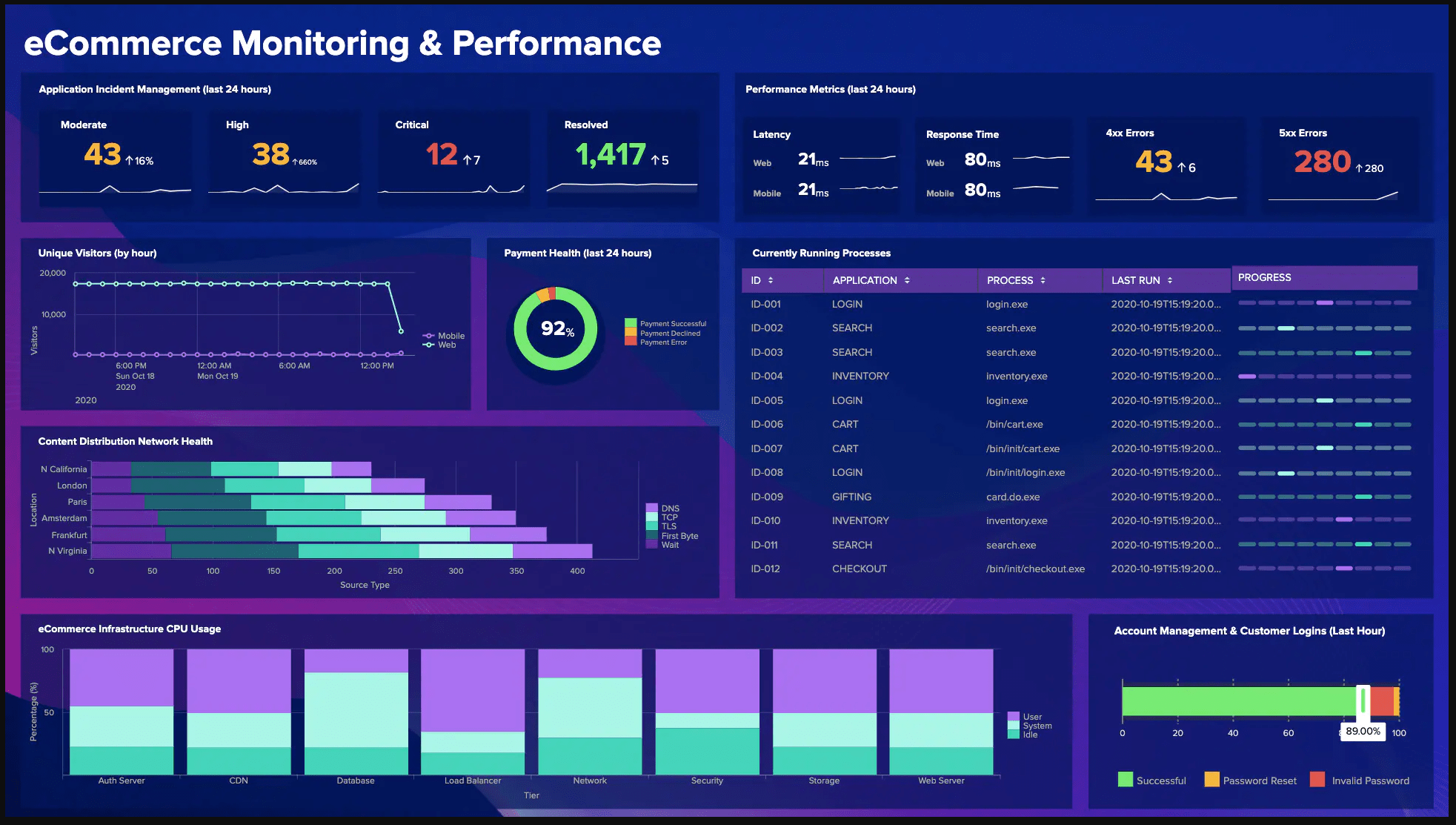
    Data visualization is one of the keys to finding hidden opportunities within your data. But spreadsheets are only part of the story, what if you need to have charts and graphs that react to real time data to give insights like the big companies do?

    A quick Google search will show you it is a thriving industry and the more robust and visually pleasing the more money you will have to shell out. And with cloud computing becoming all the rage, you now rarely even own your software these days.

    So what to do?

    Step in the Quasar Framework, Quasar is the number one solution based on Vue.js whether you’re only building a desktop website, a desktop app or a mobile app, or all of them!

    Quasar (pronounced /ˈkweɪ.zɑɹ/) is an MIT licensed open-source Vue.js based framework, which allows you as a web developer to quickly create responsive websites/apps in many flavours:

    • SPAs (Single Page App)
    • SSR (Server-side Rendered App) (+ optional PWA client takeover)
    • PWAs (Progressive Web App)
    • Mobile Apps (Android, iOS, …) through Cordova or Capacitor
    • Multi-platform Desktop Apps (using Electron)

    Quasar’s motto is: write code once and simultaneously deploy it as a website, a Mobile App and/or an Electron App. Yes, one codebase for all of them, helping you develop an app in record time by using a state of the art CLI and backed by best-practice, blazing fast Quasar web components.

    Sounds too good to be true, well it is, so there(lol). Now you have a platform to get up to speed and all that is left to do is get a graphing and charting library, we will use Charts.Js and also a package to make using it in Vue components super easy. This is called VueCharts.js.

    Now for most SMB’s we also want to keep cost down to a minimum and focus our budgets on development. So we will use Google Firebase Hosting and Functions.

    Firebase is a serverless suite of products that lets you build more powerful, secure and scalable apps, using world-class infrastructure of the Google Cloud Platform. No hardware to manage and flexible pricing plans means you may even get it for free if only a few people use your app internally. Firebase charges on usage but has a free tier that is pretty gracious with their limits.

    Firebase hosting with tools made specifically for modern web apps. When you upload your web assets, they automatically push them out to a global CDN and get a free SSL certificate so your users get a secure, reliable, low-latency experience, no matter where they are. Even custom domains can be used.

    Firebase Cloud Functions can extend your app with custom backend code without needing to manage and scale your own servers. Functions can be triggered by events, which are emitted by Firebase products, Google Cloud services, or third parties, using webhooks. We are going to tie-in our front end from hosting to functions. Firebase Cloud Functions will be our REST API to interface with our data, whatever it is. Here is an example of a GEO Location Function.

    const functions = require('firebase-functions')
    // Google Maps GeoCoder Call
    const googleMapsKey = functions.config().googlemapsapi.key
    const googleMapsClient = require('@google/maps').createClient({
            key: googleMapsKey,
            Promise: Promise
        })
    exports.setLocation = functions.https.onCall((data, context) => {
        // Checking that the user is authenticated.
        if (!context.auth) {
            throw new functions.https.HttpsError('failed-precondition', 'The function must be called ' + 'while authenticated.')
        }
        // Authentication Passed / user information is automatically added to the request.
        const uid = context.auth.uid
        const name = context.auth.token.name || null
        const location = data.location || '1600 Amphitheatre Parkway, Mountain View, CA'
        return googleMapsClient.geocode({
                address: location
            })
            .asPromise()
            .then((response) => {
                return {
                    res: response.json.results,
                    uid: uid,
                    name: name,
                    data: data
                }
            })
            .catch((err) => {
                throw new functions.https.HttpsError('unknown', err.message, error);
            })
    })
    

    Creating functions that are triggered by Firebase products, such as changes to data in realtime, are now stored as our logic. Need a new function, create one! Each function created can be called from your dashboard app, thus making it modular. As your app grows you will see how easy it is to maintain with this set up.

    Now putting it all together, the fun part.

    Sign up for a Firebase account here: Firebase Account

    Set up a Project and follow this documentation: Getting Started with Firebase

    Follow this to get set up with Quasar, use the CLI: Get Started with Quasar Framework 

    If using VS Code review this: Set Up VS Code for Quasar

    Install vue-chartjs and follow the Vue Single File Component Getting Started

    Quasar can easily serve a local web server, so once all set up you should have a local project with access to your Firebase Functions and a Frontend Vue.js SPA.

    The goal is to write out all of your Firebase Cloud Functions, this will be stuff like accessing a CRM, Sales Revenue, etc… Each function is an endpoint that when triggered via HTTP Calls, will return data to your app.

    On the front side SPA, we now build Vue SFC (single file components) to store our tables, lists, charts and graphs or whatever data is needed to display. For example BarChart.vue can load any data and render it as a BarChart, thus taking full advantage of reusable components. Now you can take this as far as you need to, including stuff like Vuex, etc… but that starts to get into the weeds for this session and will be explored in another article.

    So there you have it, a system once set up will only need new data sources added to the functions of the app and reusing patterns will make adding even more chart options a breeze. Because everything is separated, one can easily update or change component libraries without affecting the core logic of the cloud functions. I’ve even used functions to access WordPress APi’s for a headless WP Vue App, that is for another day.


    This Project is on GitHub

    Click Here to View

  • Firebase A comprehensive app development platform

    Firebase A comprehensive app development platform

    If you are like me you will most often be developing alone 😞

    But don’t fret! Firebase from Google is what you need in your life. Build better apps, improve app quality and grow your business all with the suite of Firebase products. Firebase can help you tackle demanding challenges, whether you’re a developer, marketer, or product manager. Firebase tools work together so that mobile teams can improve app performance while gaining valuable user insights.

    Firebase lets you build more powerful, secure and scalable apps, using world-class infrastructure backed by Google. So if you are done with all the back end plumbing when setting up a project, look no further that the Firebase platform.

    What caught my interests was the easy set up and minimal know how to get up and running. Documentation is 2nd to none and the growing user cases makes coming up with app ideas pretty straight forward. Need real time instant cloud messaging? check! Looking to host static assets without managing a server? Check! Authentication, storage and even machine learning is available as on of the product offerings.

    There is a free plan to get you started and when you are ready to go to production the Blaze Pay as You Go is a great way to tie in all of the reporting and analytics to your app and make it ready for prime time.

    This is just an introduction to the Firebase platform, over the next few weeks we will explore each product with a demo that will tie in all products into one app. Until then get set up and start a Fire!

    Learn More about Firebase from Google

  • Quasar Framework  – is it the perfect Vue.js playground for app development? Spoiler yes it is!

    Quasar Framework – is it the perfect Vue.js playground for app development? Spoiler yes it is!

    Because of the simplicity and power offered to you out of the box. Quasar, with its CLI, is packed full of features, all built to make your developer life easier. Because it saves development costs drastically. 

    As a developer you often find yourself in a situation where the future needed to happen yesterday and the current technology just doesn’t cut it anymore. What to do? Depending on who is on the team, these outcomes can be vastly different despite the good intentions.

    There will always be the “Let’s build it from Scratch” vs “I found a Package” if technical people are involved. My approach is a bit different in that I like to use both strategies to create a better product. So use established packages based on research and Build from Scratch any glue items needed to make it all work. This way as time progresses we can slowly remove the glue items as the technology advances and more features become available.

    Step in Qusar, a Vue.js based framework with more than just a few tricks up its sleeve. What if I told you you can have the best of both worlds when it comes to a development framework? Sounds too good to be true? I know that’s what I said, and I was dead wrong. Quasar is my go to when starting a front end project now and here is why.

    What is Quasar?

    Quasar (pronounced /ˈkweɪ.zɑɹ/) is an MIT licensed open-source Vue.js based framework, which allows you as a web developer to quickly create responsive++ websites/apps in many flavours:

    • SPAs (Single Page App)
    • SSR (Server-side Rendered App) (+ optional PWA client takeover)
    • PWAs (Progressive Web App)
    • Mobile Apps (Android, iOS, …) through Cordova or Capacitor
    • Multi-platform Desktop Apps (using Electron)

    Quasar’s motto is: write code once and simultaneously deploy it as a website, a Mobile App and/or an Electron App. Yes, one codebase for all of them, helping you develop an app in record time by using a state of the art CLI and backed by best-practice, blazing fast Quasar web components.

    When using Quasar, you won’t need additional heavy libraries like Hammerjs, Momentjs or Bootstrap. It’s got those needs covered internally, and all with a small footprint!

    Best practices integrated by default

    Quasar was also built to encourage developers to follow web development best practices. To do this, Quasar is packed full of great features out of the box.

    • HTML/CSS/JS minification
    • Cache busting
    • Tree shaking
    • Sourcemapping
    • Code-splitting with lazy loading
    • ES6 transpiling
    • Linting code
    • Accessibility features

    Quasar takes care of all these web development best practices and more – with no configuration needed.

    Unparalleled developer experience through Quasar CLI

    When using Quasar’s CLI, developers benefit from:

    • State preserving hot module reload (HMR) – when making changes to app source code, no matter if it’s a website, PWA, a Mobile App (directly on a phone or on an emulator) or an Electron app. Developers simply change their code, save the changes and then watch it get updated on the fly, without the need of any page refresh.
    • State preserving compilation error overlay
    • Lint-on-save with ESLint – if developers like linting their code
    • ES6 code transpiling
    • Sourcemaps
    • Changing build options doesn’t require a manual reload of the dev server
    • And many more leading-edge developer tools and techniques

    Get started in under a minute

    Having said this, let’s get started! You’ll be running a website or app in under a minute.